

The following steps will assist you in deleting an e-mail account in OE Classic:
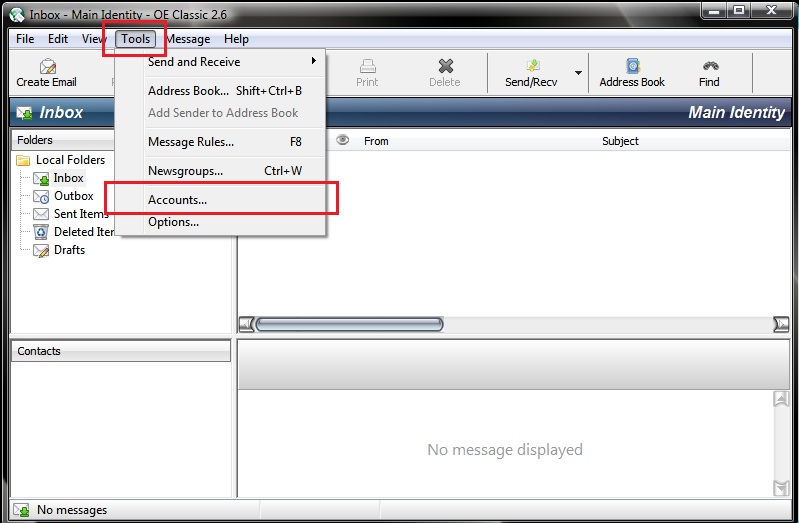
1. Click on Tools and select Accounts.
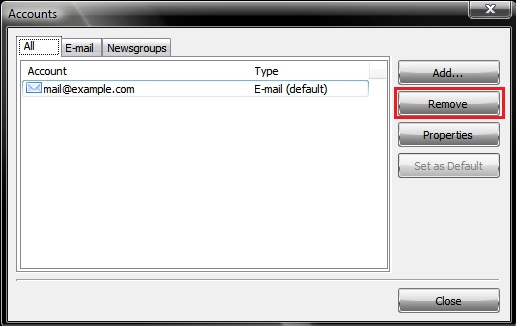
2. Select the e-mail account you want to delete and click on Remove.
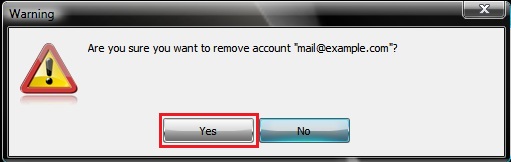
3. OE Classic will ask you to confirm whether you want to remove the e-mail account.
Click on Yes.
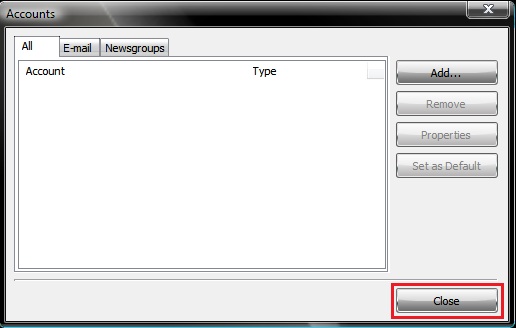
4. The e-mail account will be deleted and you will return to the Accounts window.
Click on Close.
A video tutorial can be viewed below.